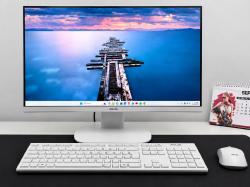



Cara Mengatasi Your PC Ran Into a Problem and Needs to Restart
Senin, 04 September 2023 - 19:10:00 WIB
 Dini Listiyani
Jika masalah muncul disertai "INACCESSIBLE_BOOT_DEVICE" kemungkinan masalah disebabkan kesalahan file pada hard ware. Anda bisa ikuti cara berikut ini:
- Buka File Explorer, klik This PC
- Klik kanan pada driver dan pilih Properties
- Tekan opsi Tools, dan klik Check
- Pilih Scan Drive dan tunggu proses hingga selesai
- Cek ada file yang bermasalah atau tidak.
Demikian, cara cara mengatasi your pc ran into a problem and needs to restart. Semoga bermanfaat!
Editor: Dini Listiyani