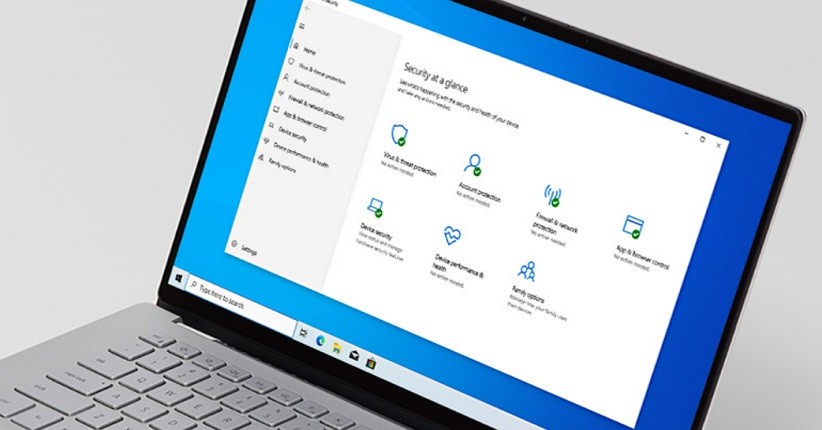
Cara Mematikan Antivirus Windows 10 (Foto: Microsoft)Advertisement . Scroll to see content
4. Klik Windows Security 5. Klik Virus & Threat protection. Ini adalah opsi di bawah judul Protection Area di dekat bagian atas halaman. Setelah itu, jendela Windows Defender akan terbuka 6. Klik Virus & Threat Protection Settings. Anda akan menemukan opsi ini di tengah halaman 7. Disable Microsoft Defender real-time scanning. Klik blue On switch




 Dini Listiyani